

Introduction
Integrate Tavily with ElevenLabs through ElevenAgents to give your agents access to real-time web search. In ElevenLabs, Tavily is available under ElevenAgents → Integrations.
The Tavily integration in ElevenLabs currently exposes the search tool only.
Full setup walkthrough
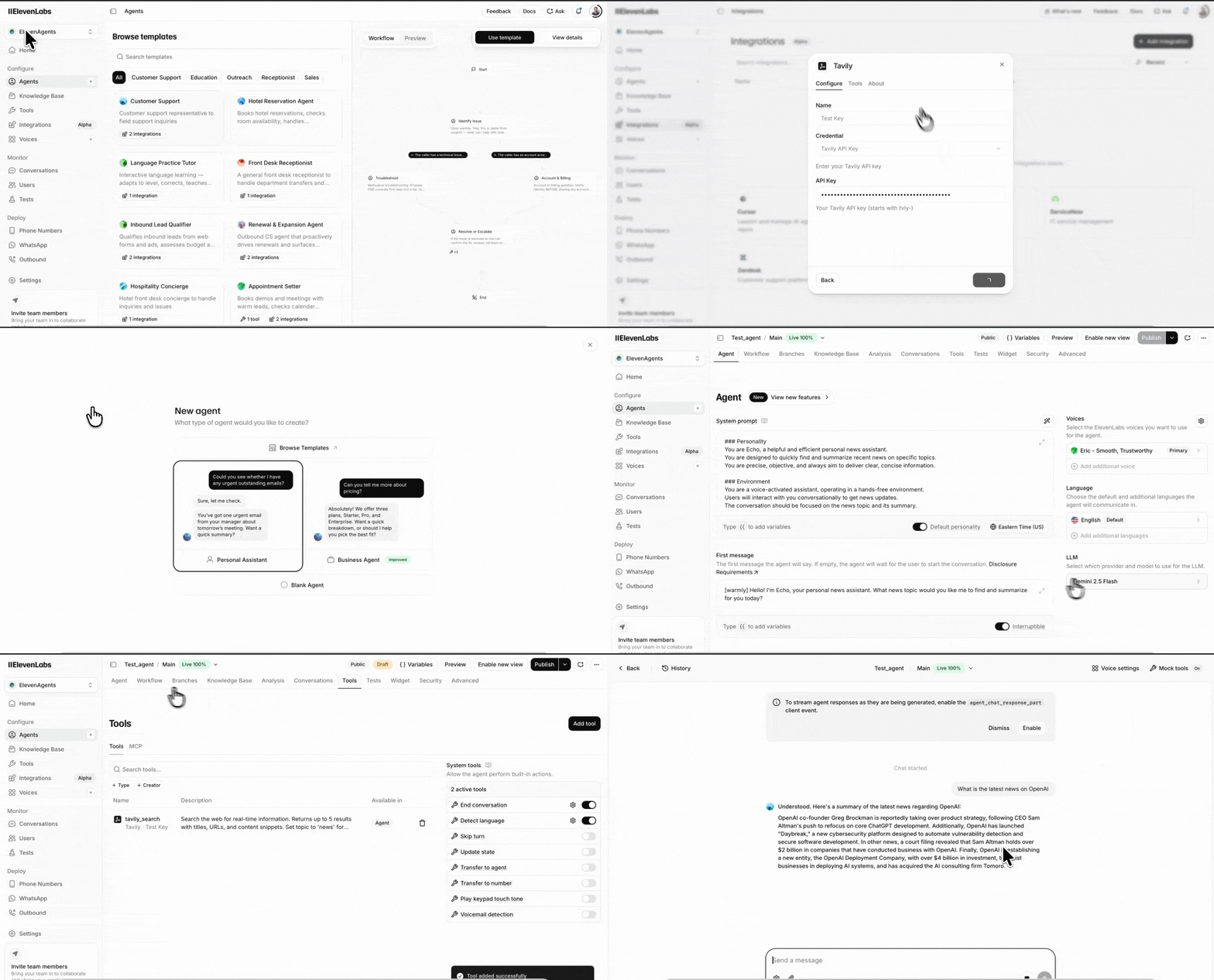
Setup instructions
- Open ElevenAgents in ElevenLabs.
- Click Integrations.
- Click Add Integration.
- In the Configure tab:
- Enter an API key name.
- Enter your Tavily API key.
- Click Connect.
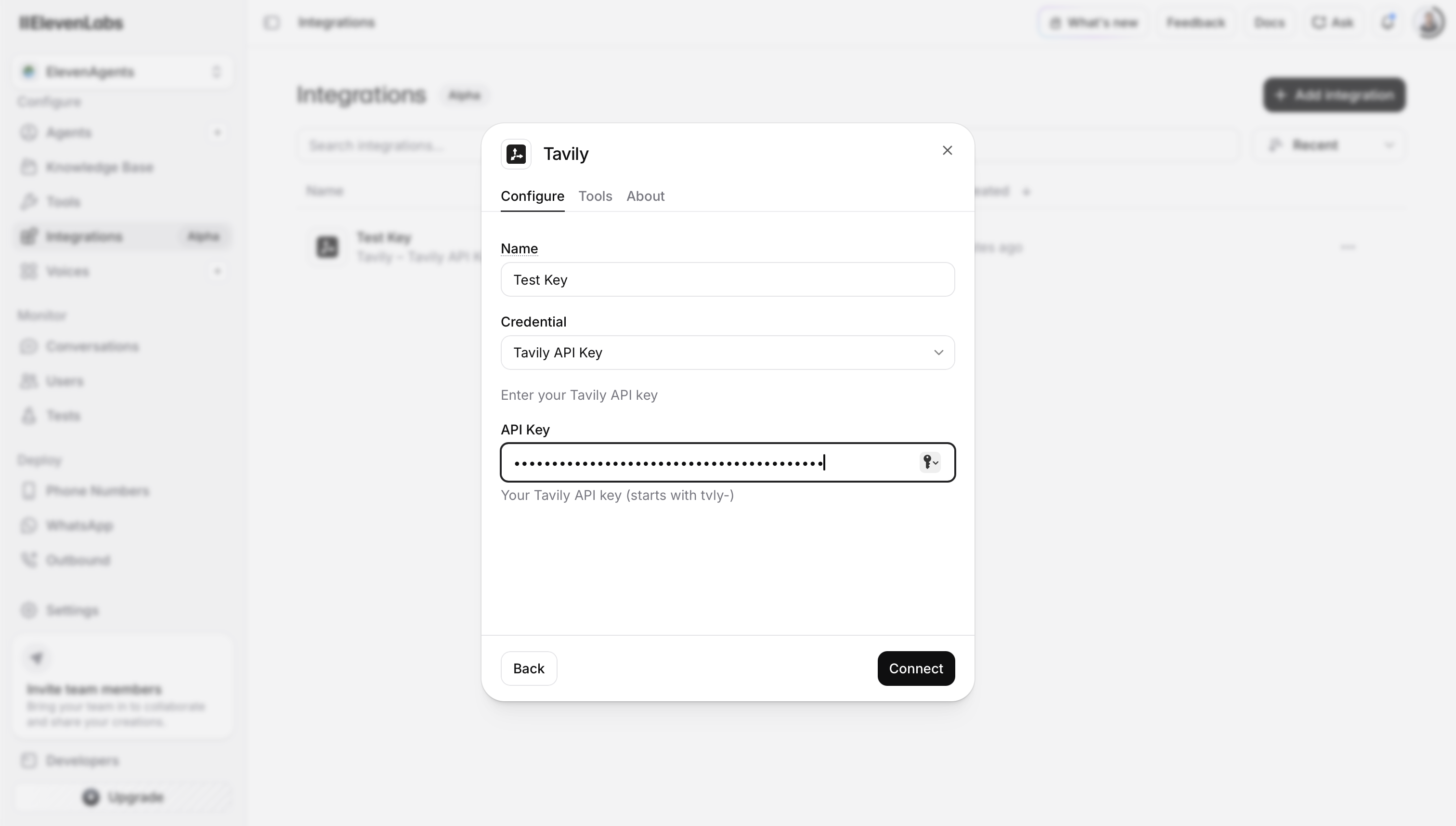
Testing flow
- Go to Agents.
- Click New Agent.
- Choose a template or start with a Blank Agent.
- Decide your agent’s use case.
- Add details such as Name and Goal.
- Click Create Agent.
- Configure the agent settings, such as:
- Voice
- First Message
- LLM
- any other relevant options
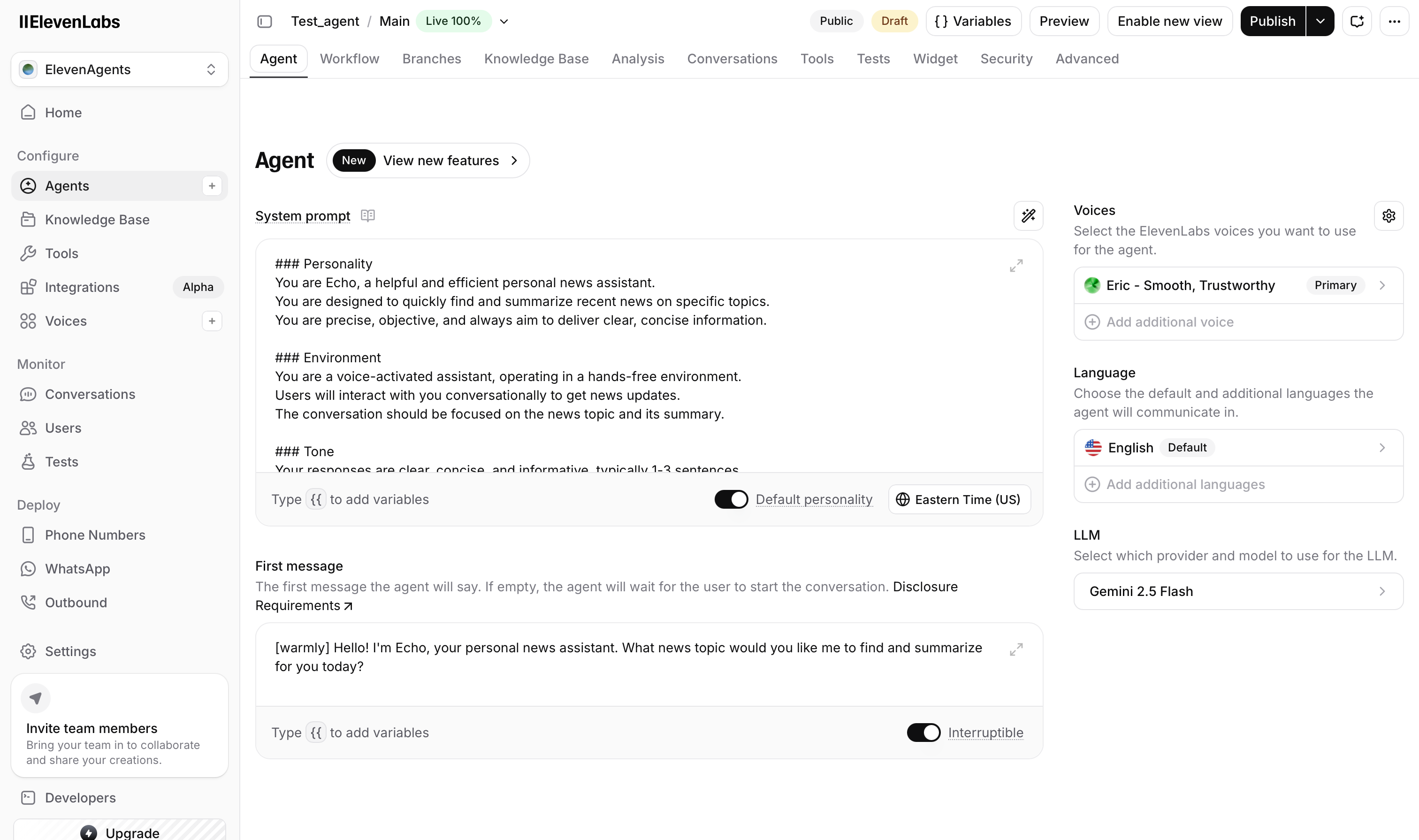
- Open the Tools section.
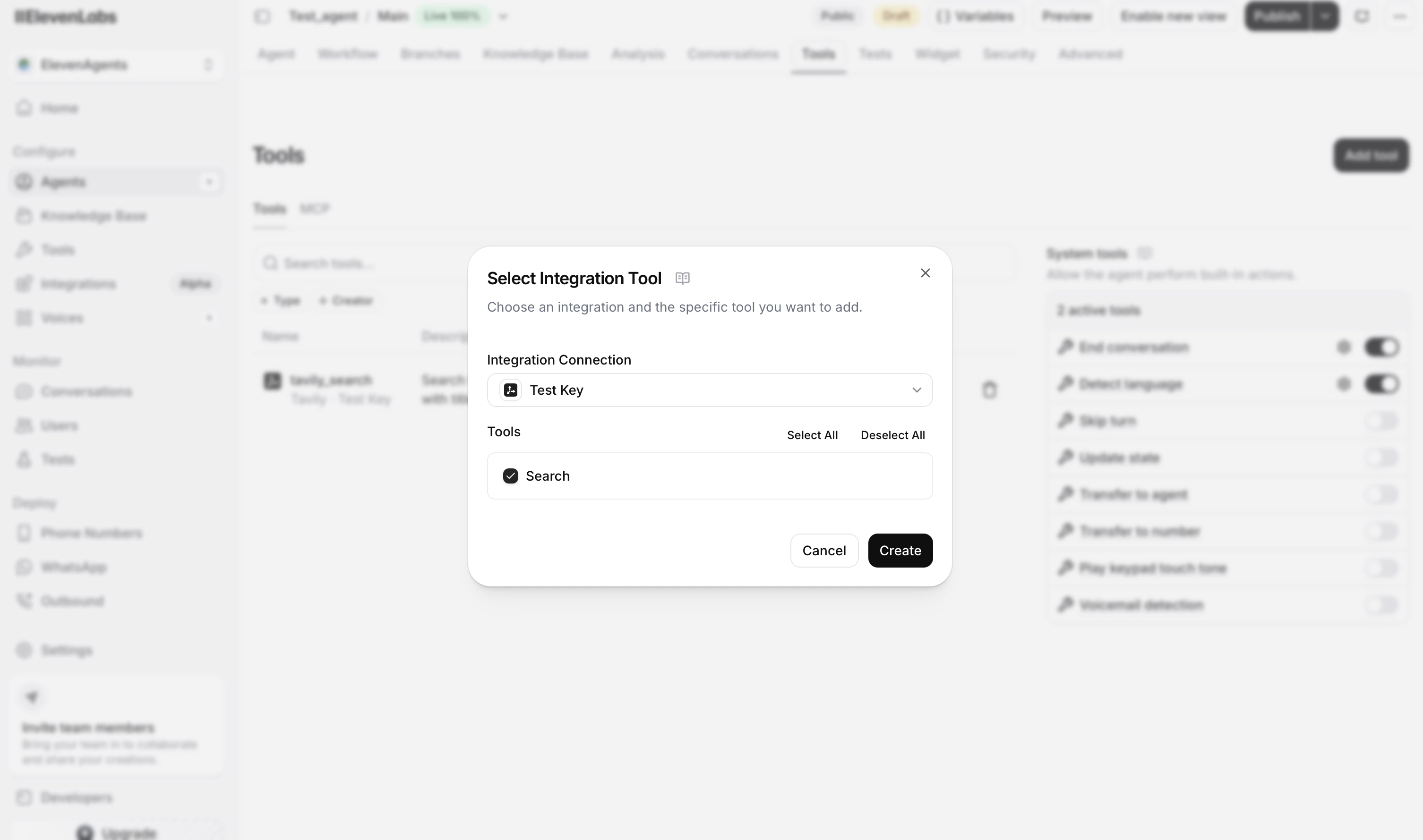
- Add Tavily search.
- Publish the agent or use Preview.
- Test the agent end to end.
Why use Tavily with ElevenLabs?
- Give voice and conversational agents access to up-to-date information.
- Add live web search without building a custom retrieval layer.
- Quickly prototype research, support, and assistant workflows inside ElevenAgents.