

Tavily on Arcade.dev
Overview
Arcade.dev is an MCP runtime platform for connecting agents to MCP servers through a managed MCP Gateway. Tavily is available as a verified partner MCP server on Arcade, so you can register Tavily’s remote MCP server once and expose its web intelligence tools through Arcade.dev to all of your agents. Use this integration when you want Tavily behind the same Arcade gateway as your other tools. Your agent connects to Arcade, Arcade routes Tavily tool calls to the Tavily MCP server, and Arcade applies its gateway controls across the full tool stack.How it works
- Generate a Tavily MCP server URL with your Tavily API key.
- Add that URL to Arcade as a Remote MCP server.
- Add Tavily to an Arcade MCP Gateway with any other servers your agent needs.
- Connect your MCP client or agent framework to the Arcade gateway URL.
Available Tools
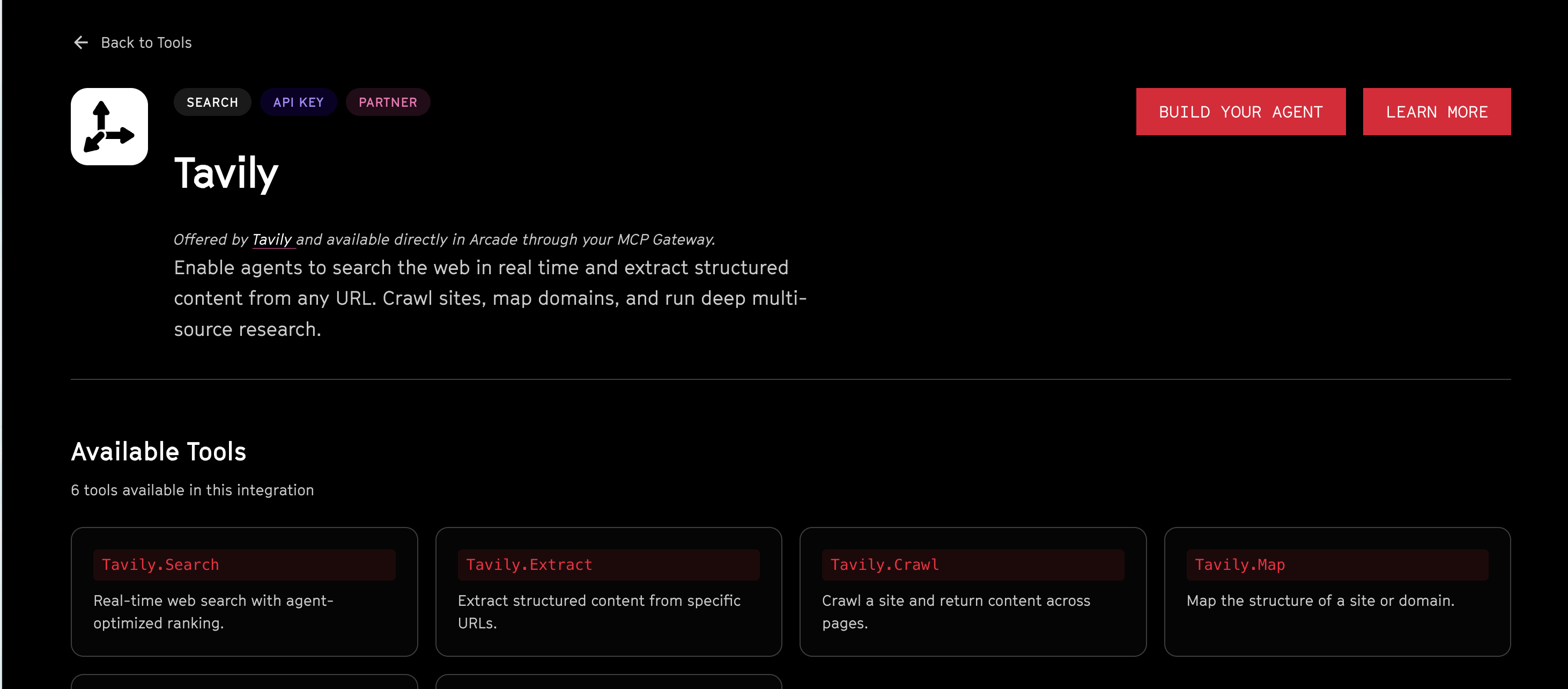
After Tavily is registered in Arcade, your agent can call these tools through the gateway:Prerequisites
- An Arcade.dev account with access to the Dashboard.
- A Tavily API key.
Setup
1
Generate your Tavily MCP URL
In the Tavily dashboard, go to Overview → Remote MCP and copy the generated URL. It should use this format:Treat this URL as a secret because it contains your Tavily API key. See the Tavily MCP documentation for additional configuration options.
2
Add Tavily as a remote MCP server in Arcade
In the Arcade Dashboard, go to Servers → Add Server → Remote MCP. Paste the Tavily MCP URL from the previous step and save.Refer to the Arcade Tavily integration documentation for the full walkthrough and to Add remote MCP servers for advanced settings such as retries, OAuth, and custom headers.
3
Verify the Tavily tools
Arcade discovers the Tavily tools automatically after registration. Confirm that
Tavily.Search, Tavily.Extract, Tavily.Crawl, Tavily.Map, and Tavily.Research appear in the Arcade Playground and in the MCP Gateway tool picker.4
Create an MCP Gateway
Go to MCP Gateways → Create Gateway and select Tavily plus any other MCP servers your agent needs, such as Google Docs, Slack, Salesforce, or GitHub.Set the authentication mode to Arcade Auth when you want users to authenticate with their Arcade account and have Arcade apply gateway-level controls at runtime.
5
Connect your agent to the gateway
Once the gateway is published, Arcade gives you a single Streamable HTTP URL of the form:Point any MCP-compatible client at this URL, including Cursor, Claude Desktop, Codex, VS Code, or any other application.
Example workflow
An agent connected to your Arcade gateway can use Tavily to research a topic, extract source content, and then call other Arcade tools to turn that research into action. For example, the agent can:- Call
Tavily.Searchto find current sources. - Call
Tavily.Extractto read the most relevant pages. - Draft findings into Google Docs or send a summary to Slack through the same Arcade gateway.
Benefits of Tavily + Arcade
- Centralized governance: Authorization, user authentication, access control, and audit logging are handled uniformly by Arcade’s runtime across Tavily and every other server in the gateway.
- Composable tool stacks: Pair Tavily’s web research tools with Arcade’s productivity, communications, and CRM integrations behind one MCP endpoint.
- Simple client configuration: MCP-compatible clients connect to the Arcade gateway URL instead of configuring Tavily separately in every client.