

- Claude Code
- Claude (web & desktop)
1
Install the plugin
Paste the copied command into your terminal. Or, inside Claude Code, run:The plugin installs Tavily’s skills for you.
2
Try it
Start a new session (or run
/reload-plugins), then ask naturally or call a skill directly:Connect the MCP server instead
Connect the MCP server instead
Add Tavily’s hosted MCP server for all your projects:Then run
/mcp, select tavily, and sign in. If you already connected Tavily on claude.ai, Claude Code can use that connector when you sign in with the same account.To skip OAuth, add --header "Authorization: Bearer YOUR_TAVILY_API_KEY". For limited keyless access, use --header "X-Tavily-Access-Mode: keyless".Run the MCP server locally
Run the MCP server locally
Install the skills without the plugin
Install the skills without the plugin
With the CLI installed and signed in, add the Agent Skills to your project:Start a new session to load them. Add
--global to install them for all projects.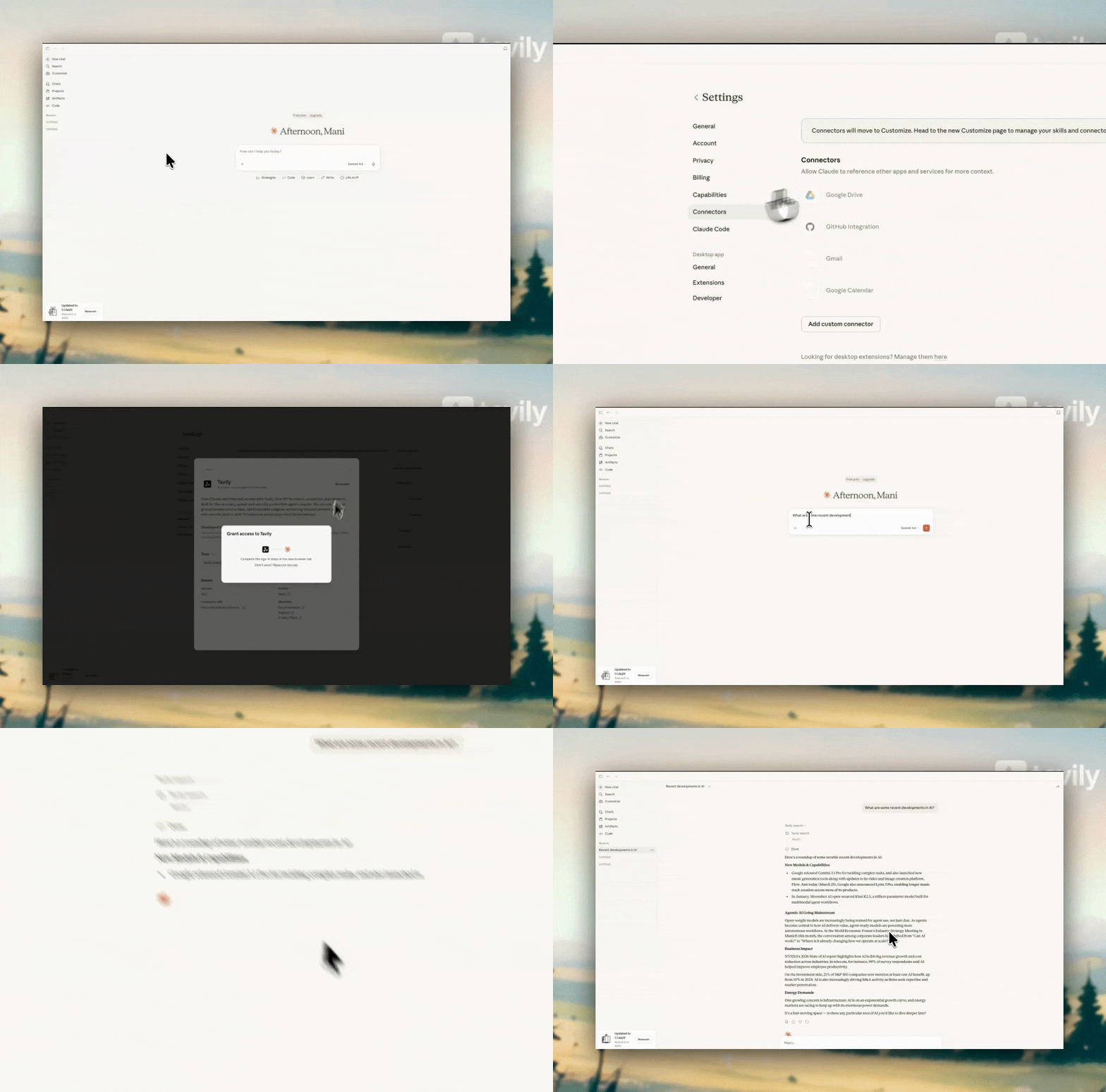
What you get
The connector also includes
tavily_skill, which finds skills for your agent. In Claude Code, the plugin offers the same capabilities as skills, such as /tavily:tavily-search and /tavily:tavily-research.