> ## Documentation Index
> Fetch the complete documentation index at: https://docs.tavily.com/llms.txt
> Use this file to discover all available pages before exploring further.

# Data Enrichment

> Enhance datasets with Tavily's APIs.

#### Fill in spreadsheet columns

<img src="https://mintcdn.com/tavilyai/tgJqPSjqNVSkMFTO/images/enrichment1.gif?s=5bb36f82f38c2f2f914e3ca2a0ff619a" alt="Enrichment1 Demo" width="700" data-path="images/enrichment1.gif" />

#### Enrich your spreadsheet

<img src="https://mintcdn.com/tavilyai/tgJqPSjqNVSkMFTO/images/enrichment22.gif?s=4ae51f6c432e250d45ff433a19462a5d" alt="Enrichment2 Demo" width="700" data-path="images/enrichment22.gif" />

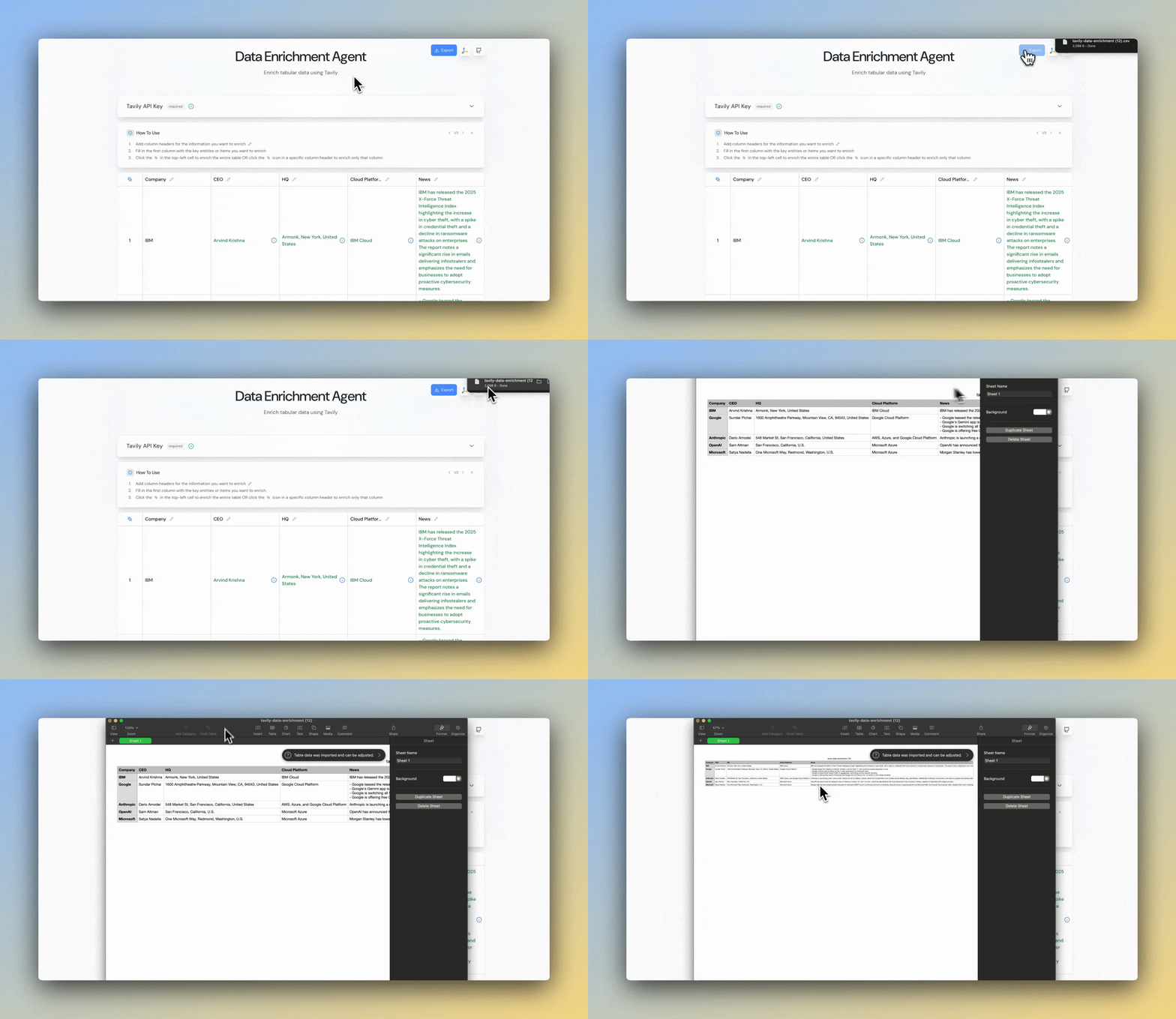
#### Export as CSV

<img src="https://mintcdn.com/tavilyai/tgJqPSjqNVSkMFTO/images/enrichment3.gif?s=f680e9c449e18d9f9ff927d2ca9dfe6f" alt="Enrichment3 Demo" width="700" data-path="images/enrichment3.gif" />

## Try Our Data Enrichment Agent

### Step 1: Get Your API Key

<Card title="Get your Tavily API key" icon="key" href="https://app.tavily.com" horizontal />

### Step 2: Try the Data Enrichment Agent

<Card title="Launch the application" icon="message-bot" href="https://sheets.tavily.com/" horizontal />

### Step 3: Read The Open Source Code

<Card title="View Github Repository" icon="github" href="https://github.com/tavily-ai/tavily-sheets" horizontal />